
Quick answer: A viral ChatGPT image prompt is a specific, reusable text instruction, usually paired with an uploaded photo, that turns a normal picture into a trending style like an action figure, a caricature, or a vintage travel poster. The 10 below are the ones spreading fastest in September 2026: action figure, roast-me caricature, pet-to-human, double-exposure travel poster, flash photo, Pixar-style 3D, vinyl figurine, 90s disposable camera, neon motion blur, and old-Hollywood glamour. Each prompt is copy-paste ready, tested on ChatGPT Images 2.5.
Key takeaways:
1.Viral ChatGPT image prompts follow one formula: subject, style, lighting, background, aspect ratio, and what to keep unchanged.
2.The “keep unchanged” clause is the single fix for likeness drift, when ChatGPT quietly redraws your face during an edit.
3.The 10 trends below are copy-paste ready and grouped with the exact aspect ratio people are posting them in.
4.Free ChatGPT accounts can run every prompt on this list; heavy use will hit a daily generation cap faster than a paid plan.
5.ChatGPT Images 2.5, released this month, holds a face steady across edits better than the previous model.
I’ve spent the last few weeks screenshotting every viral AI photo I see, then trying to reverse-engineer the exact wording behind it. Most of the time the caption tells you nothing. “Made with ChatGPT” and a laughing emoji. That’s it.
So I ran each trend myself, rewrote the prompts until they actually matched what was going around, and logged the ones that keep reappearing on my feed week after week. Below are the 10 I’d bet on right now, the exact prompt for each, the aspect ratio that matches how people are posting it, and the one line that stops ChatGPT from wrecking your face halfway through the edit.
Quick note before you start: OpenAI shipped ChatGPT Images 2.5 this week. It’s better at holding onto your actual face across edits and it’s faster. If the prompt below looks a little flat on your first try, ask for a second pass and it usually tightens right up.
The formula behind all of them
Every ChatGPT image prompt that works answers 5 questions in order: who’s in it, what style, what light, what’s behind them, and what shape the final image is. Skip one and ChatGPT guesses, and its guesses are boring.
There’s a sixth part almost nobody mentions: what to leave alone. Add “keep my face and features exactly the same” to the end of any prompt and your results stop drifting into someone-who-kinda-looks-like-you territory. I learned this the hard way after three straight roast-me caricatures that didn’t look like me at all.
How to use these prompts in ChatGPT?
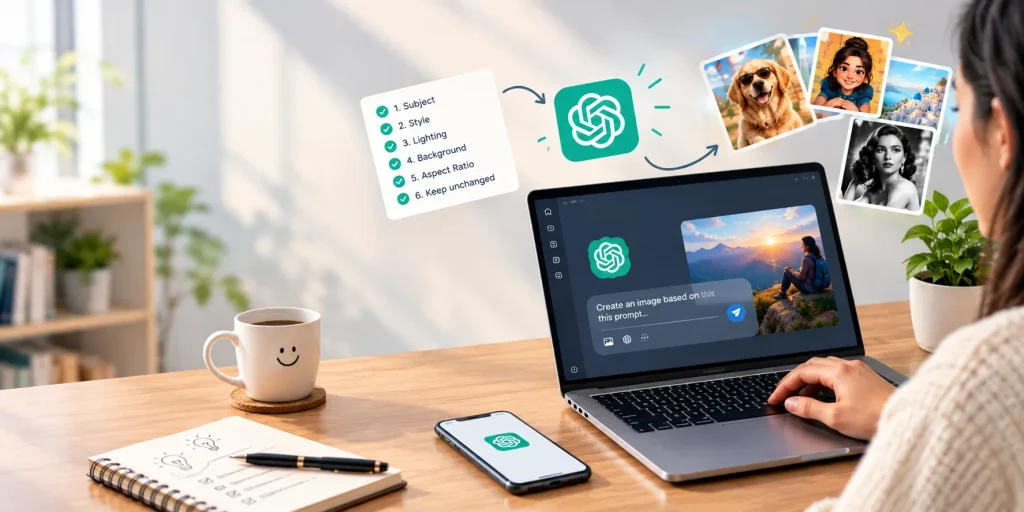
1. Open ChatGPT and start a new chat. On mobile, tap the attachment icon to upload a photo
2. Upload a clear, well-lit photo. Skip screenshots; compression removes detail the model can’t recover.
3. Paste one prompt below exactly as written, then swap any bracketed detail for your own.
4. Generate, then check the face and edges before you post.
If something’s off, reply in the same chat with a small fix (“same image, only change the background”) instead of rewriting the whole prompt.
1. The action figure
This one won’t die. People add jobs, hobbies, pets, whatever makes the box feel like theirs.
Turn the person in my photo into a realistic collectible action figure sealed in a blister-pack box. Add accessories that match my job: a laptop, a coffee cup, and headphones. Print my name on the header card. Soft studio lighting, plain gray background, 1:1. Keep my face and features exactly the same.
Swap the accessories for anything specific: a guitar, a dog leash, a spatula. Vague accessories give you a generic plastic person. Specific ones give you something worth posting.
2. The roast-me caricature
This is the one eating everyone’s feed right now. You hand ChatGPT everything it knows about you from the conversation and let it draw the conclusions.
Based on everything you know about me from our conversations, draw a caricature of me. Exaggerate my personality, not just my face. Keep my actual features recognizable. Bright, flat lighting, simple colorful background, 1:1.
It’s brutal sometimes. Half the appeal is that it’s usually right.
3. Pet-to-human
Upload a clear photo of your pet, not you.
Reimagine my dog as a human in their late 20s with a personality that matches their behavior. Give them a facial expression, an outfit, and a setting that fits who they are. Photorealistic, soft daylight, 4:5. Keep the personality and energy consistent with the reference photo.
Tell it what your pet actually does. “Sleeps 20 hours a day” produces a very different human than “steals socks and runs.”
4. The double-exposure travel poster
A silhouette of you blended into a place you love, styled like a vintage travel ad. This one’s been the standout trend out of India this year and it’s spreading fast.
Create a double-exposure vintage travel poster. Blend a silhouette of the person in my photo with the skyline and landmarks of Tokyo. Use a warm, faded color palette like a 1960s print poster. Add the word “TOKYO” in bold retro lettering at the bottom. 2:3, keep the silhouette shape based on my actual pose.
Change the city, change the whole poster. That’s the entire appeal, and it’s why the prompt survives longer than most trends.
5. The flash photo
Grainy, overexposed, direct camera flash. The whole point is that it looks like it was taken by accident at 1am.
Turn my photo into a candid flash photo taken on a digital camera at a party. Direct on-camera flash, slightly overexposed skin, glossy lips, silver accessories, nightlife background slightly out of focus. Add a faint red-eye reduction glow and a timestamp in the corner. 4:5. Keep my face and outfit unchanged.
Ask for it “slightly overexposed,” not “very.” Ask for too much and you lose your own face in the blowout.
6. Pixar-fication
Family-film 3D style. This one performs best on pets and kids, but it’s huge for personal avatars too.
Turn me into a 3D animated character in a modern family-film style. Soft rounded features, warm cinematic lighting, subtle subsurface scattering on the skin, blurred background with soft bokeh. Keep my facial features, hair color, and expression identical to the reference photo. 1:1.
ChatGPT tends to smooth your face into someone else’s by the second pass. If that happens, say “keep facial features identical to the first version, only adjust the lighting.”
7. The vinyl figurine
Cuter, chunkier cousin of the action figure. Big head, small body, sitting on a shelf somewhere in your head already.
Turn me into a cute vinyl chibi figurine with a big head and small body, glossy plastic finish, standing on a round display base inside a clear box. Soft pastel studio lighting, simple background. Keep my hairstyle, outfit colors, and recognizable features. 1:1, no text on the box.
Ask for “no text on the box.” Without it, ChatGPT tends to invent a brand name that looks nothing like real packaging.
8. 90s disposable camera
The un-trend trend. Slightly bad on purpose. Warm colors, visible grain, a date stamp nobody asked for.
Recreate my photo as a candid 90s disposable-camera snapshot. Direct on-camera flash, warm color cast, visible film grain, slight motion blur, date stamp in the bottom corner. 4:3. Keep my face and outfit exactly as they are.
This one actually looks worse the more you polish it. Resist the urge to ask for “high quality.”
9. Neon motion blur
Subject frozen in place, everything around them smeared with light. Feels like a music video still.
Create a portrait with dramatic motion blur. I stand still in the center wearing a plain shirt while the background streaks with swirling light trails. Cool cyan light on one side of my face, warm orange on the other. Clean composition, 1:1. Keep my pose and face sharp and unblurred.
If the rain or light trails come out looking fake, add “natural, restrained light trails, not excessive” and regenerate.
10. Old Hollywood glamour
The quiet one on this list. No gimmick, just a genuinely good black-and-white portrait.
Convert my photo into a black-and-white old-Hollywood glamour portrait. Dramatic studio key light from one side with soft shadow falloff, classic dark backdrop, subtle film grain. Keep my face, expression, and framing exactly unchanged. 4:5.
Post this one next to your normal profile picture. The contrast does the work.
Three mistakes that ruin all of the above
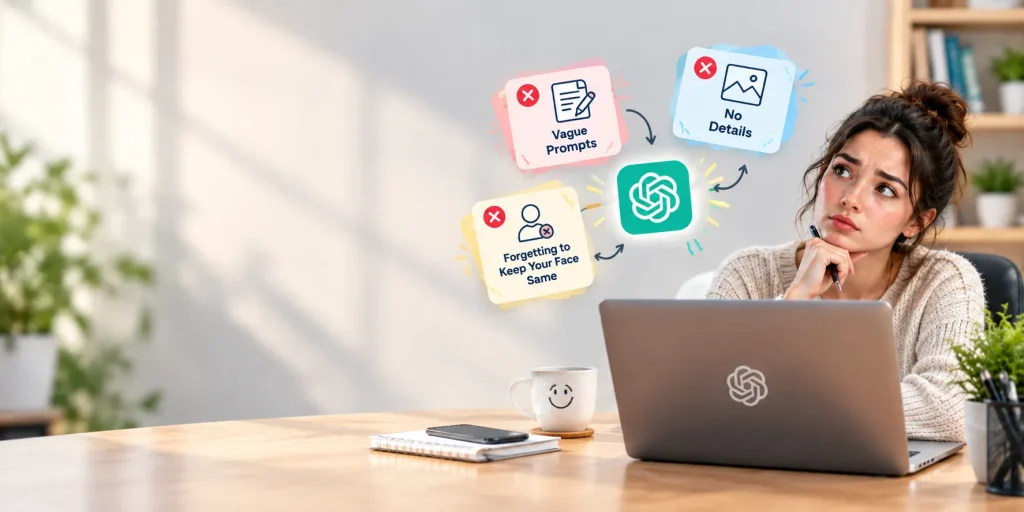
Uploading a screenshot instead of the real photo. Compression eats detail the model can’t get back. Use the original file.
Asking for five changes at once. Background, lighting, outfit, pose, all in one prompt. ChatGPT compromises on all five instead of nailing any of them. Change one thing, look at it, then change the next.
Skipping the “keep unchanged” line. Without it, every edit is a coin flip on whether your face survives. With it, you get the style you asked for on top of the face you actually have.
Stay updated with the latest insights on business, technology, AI, startups, and finance, and discover exciting Write for Us opportunities at One Final Draft.
Frequently asked questions
Do I need ChatGPT Plus for these?
No. Free accounts can generate images, though you’ll hit a daily cap faster than paid users.
Why does my face keep changing between edits?
ChatGPT redraws the whole image instead of masking off the parts you want kept. Adding “keep my face and features exactly the same” to the end of any image prompt stops most of this drift.
Can I use these prompts on someone else's photo?
Get their okay first, and skip real celebrities and copyrighted characters. ChatGPT typically refuses prompts that name a real public figure or a trademarked character.
How do I fix a result that comes out wrong?
Stay in the same chat and give a follow-up instruction instead of rewriting the whole prompt. Something like “same image, keep everything else, only fix the lighting” produces a closer result than starting over.
What is the best ChatGPT image prompt formula?
State the subject, the style, the lighting, the background, and the aspect ratio, in that order, then add a line telling ChatGPT what to leave unchanged, usually your face.
What aspect ratio should I use for Instagram or TikTok?
Use 1:1 for a feed post, 4:5 for a portrait feed post, and 9:16 for Stories, Reels, and TikTok.
Are ChatGPT-generated images watermarked?
Yes. ChatGPT images carry C2PA metadata identifying them as AI-generated, which some platforms detect and label automatically.
Comments are coming soon. In the meantime, share this piece with someone who should read it.